
-
SnapOS
-
-
- Articles coming soon
-
-
-
- Citrix HDX + USB Headset (Call-Center Baseline)
- OS/Firmware Update & Rollback
- Power Management and Session State
- Wi-Fi Roaming & Link Change Mid-Session
- Kiosk / Assigned-Access Auto-Launch
- Barcode Scanner (HID) with Line-of-Business App
- Printing to Local USB & Network Printers
- USB Device Management – Block Storage
- Multi-Monitor & 4K Performance
- Microsoft AVD/RDP + Teams Optimized Video
- VMware Horizon + Smart Card / CAC Login
-
-
-
-
zWAN
-
-
-
-
- Firewall & Layer 7 Application Filtering
- VPN Site-to-Site Tunnel Setup & Connectivity (z40 to Cloud vGR)
- Intrusion Prevention System (IPS) / Intrusion Detection System (IDS) Testing
- DNS Filtering
- DDoS Protection & Logging
- MAC Address Filtering & Geo-fencing
- Application Control & Protocol Blocking
- Authentication & Access Control (zID)
-
- WAN Link Failover & Load Balancing (ACI Mode)
- Dynamic Path Selection & Application-Aware Routing
- SaaS & Internet Breakout Validation
- QoS for Microsoft Teams (Datacenter vGR + Branch z40)
- Tunnel Failover (z40 ↔ vGR) — WAN00 (wired) primary, WAN03 (4G) & WAN04 (5G) backups
- IP Routing & Static Route Steering (z40 Branch)
- VLAN & Layer-2 Bridging
-
-
-
-
-
-
- Articles coming soon
-
-
-
-
- Articles coming soon
-
- Articles coming soon
-
-
-
-
-
-
- Articles coming soon
-
- Articles coming soon
-
- Articles coming soon
-
- Articles coming soon
-
-
-
-
-
- Articles coming soon
-
- Articles coming soon
-
- Articles coming soon
-
- Articles coming soon
-
-
-
-
-
- Articles coming soon
-
- Articles coming soon
-
- Articles coming soon
-
- Articles coming soon
-
-
- Articles coming soon
-
- IPsec Tunnel not Establishing
- SSL-VPN Tunnel not Establishing
- Mobile Network Issues
- Management Tunnel does not Establish
- DNS not Resolving from Local Network Appliance
- DNS Resolution Issues in Tunnel Configuration
- DHCP Server not Leasing IP to LAN PC
- Debugging EC Events - Unknown Status Issue
- Trusted-MAC Geofencing Issues
- DNS Issues from DC LAN PC
- Troubleshooting LAN Connectivity to Internet via WAN, Remote Branch LAN, or Local Branch LAN
- NetBalancer gateways displaying Faulty/Inactive
- Packet Drop Issues
-
-
zAccess
-
StorTrends
Provision Control
Overview
Replaces Traditional CPE router with no UI. zWAN CPE unit comes with Local UI for its configuration and Management.
Director is not required for CPE initial configuration -Self-Managed Unit. Ideal for small businesses- small to midsize enterprises
with just a few branches. Supports single office deployment to multiple office deployments(2 to ~10 Devices).Upgrade to Director management on need.
As the business expands, the SDWAN Director can be integrated to oversee a larger number of SDWAN Edge Controller devices and carry out centralized orchestration.
Local UI
Login
Local UI will be accessible immediately after CPE installation. Local UI will be accessed from browser using its IP
UI Login will work with system user credentials - router. Local UI support was there for both x86 & ARM devices.
In LocalUI version, it supports all the CPE UI pages (Features and functionalities) provided by Director except ELK Dashboard and a few CPE pages. All the supported CPE features can be referred in each of its FSD Documents.
Landing Page
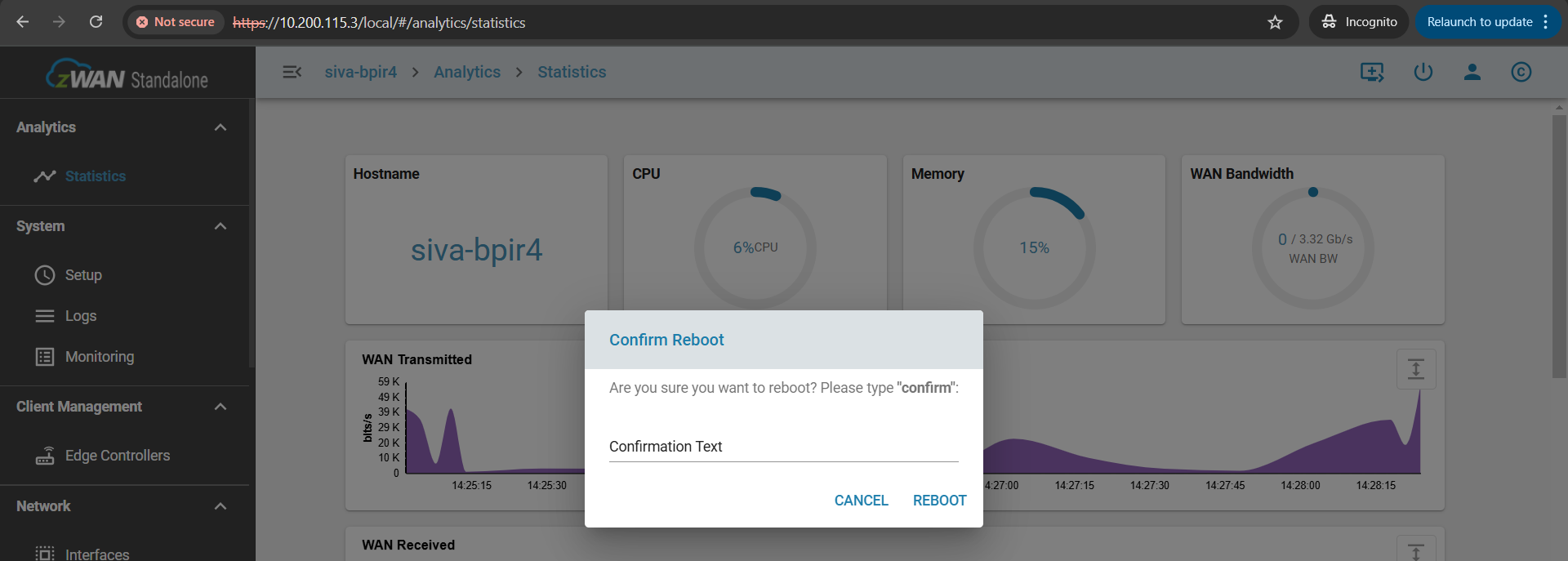
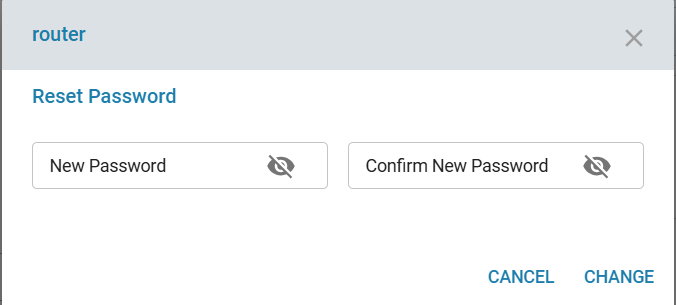
After login user will be viewing the page, with the following app-header which is slightly different from Director and can perform webssh to cpe, reboot, Logout and password change.

Reboot
Password change
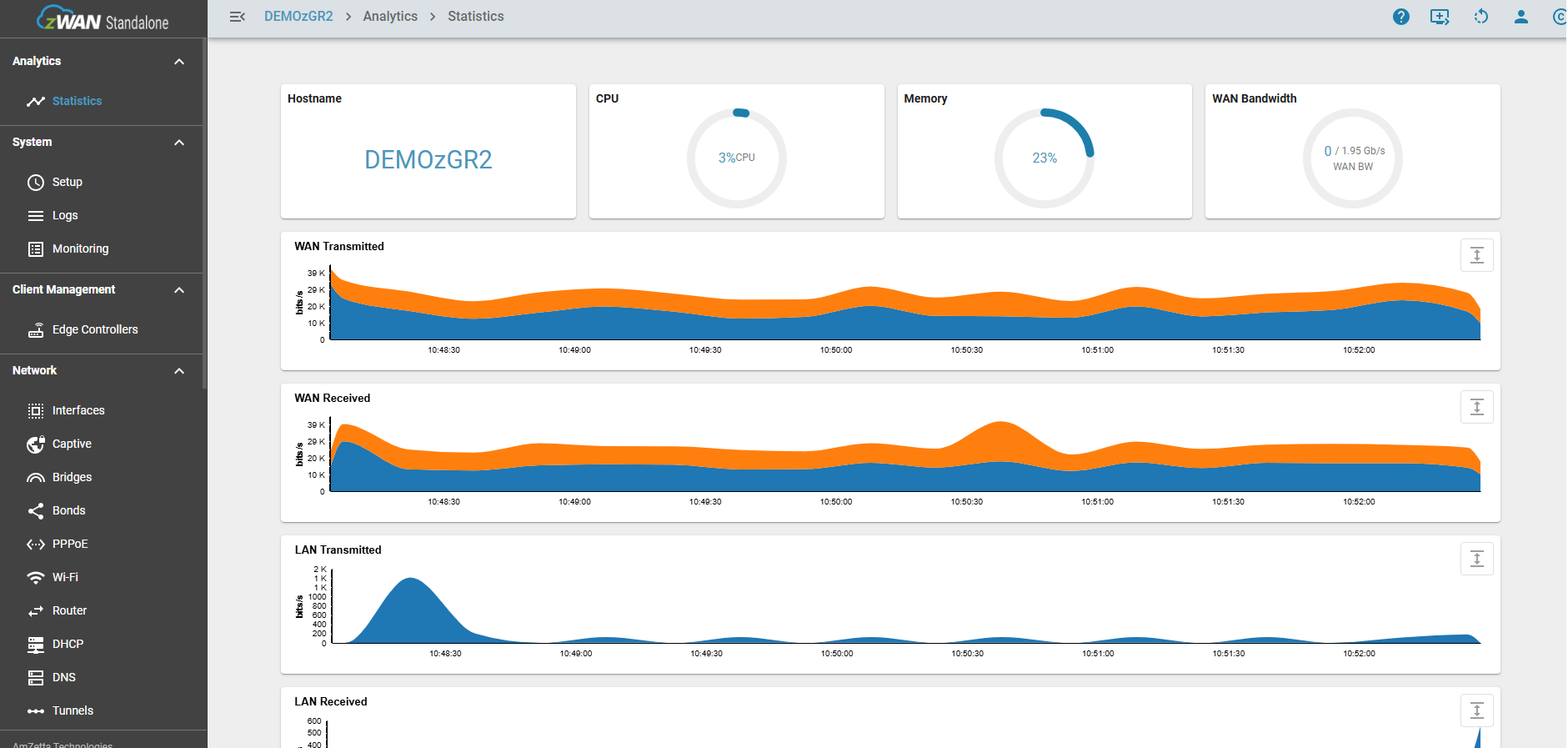
CPE statistics & charts
Dashboard to show Hostname, CPU, Memory & Bandwidth usuage. WAN Transmitted/Received, LAN Transmitted/Received, IPSEC Transmitted/Received, SSL Transmitted/Received
Menu Configurations
System/Network/Security sections most of the configurations works like the Provider CPE pages.
Newly added sections are client management and Firmware.
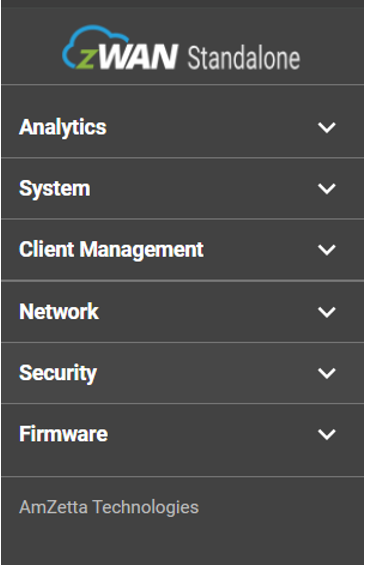
New CPE pages in LocalUI
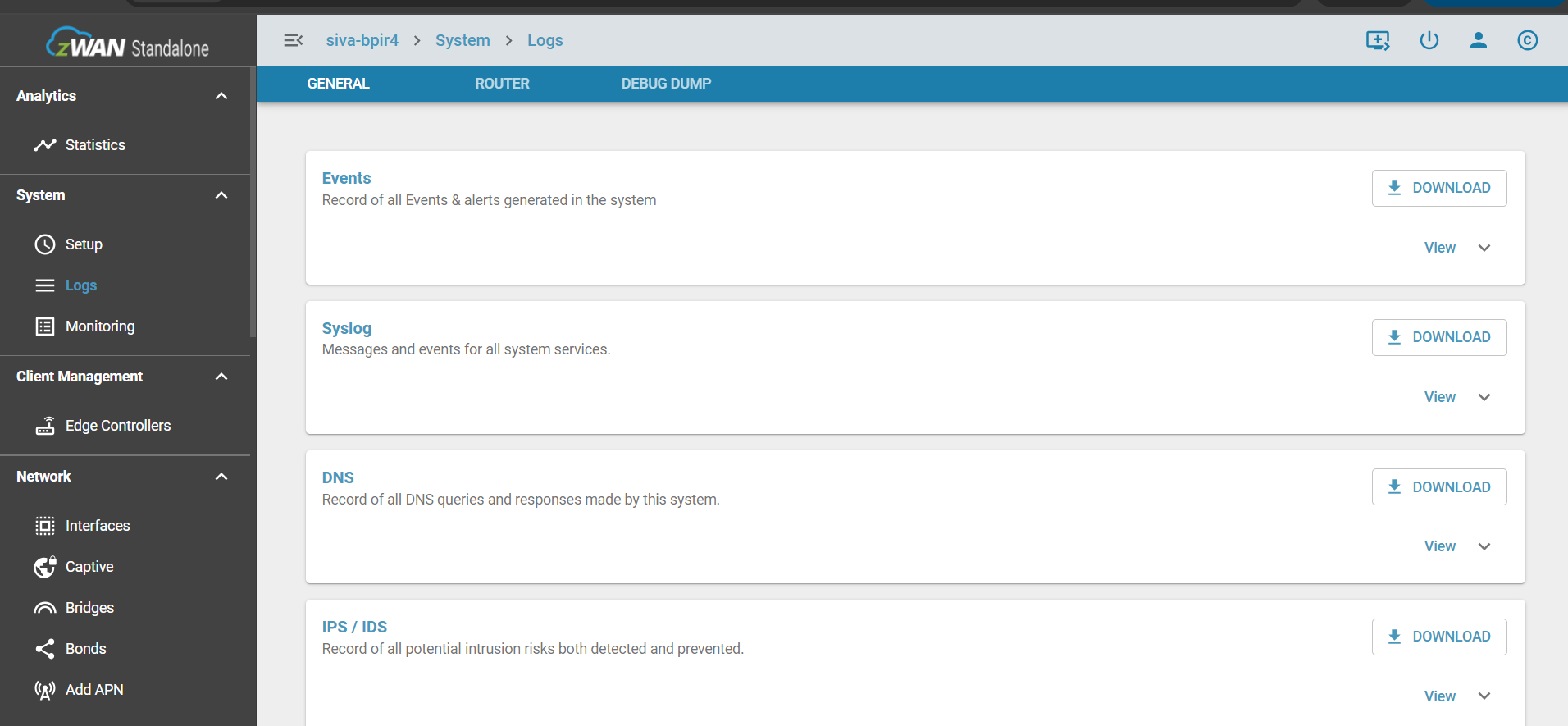
System Logs
As Logs from ELK are not supported in Standalone, here we are displaying cpe-events log, syslog, DNS Log, IPS/IDS Log from the CPE.
User can view and download the file.
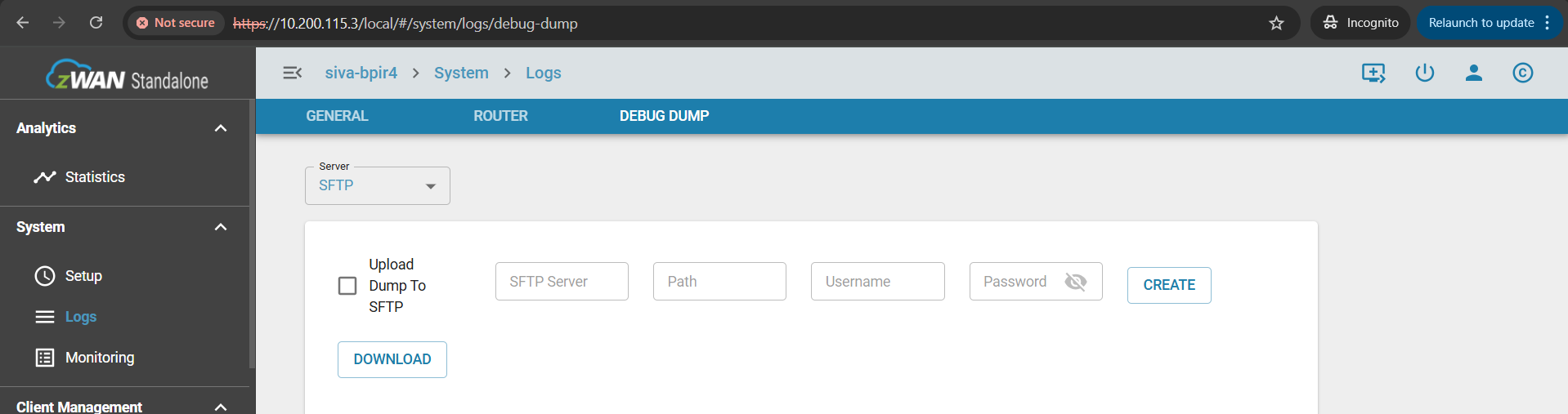
Debug Dump
Debug Dump download option has been added in LocalUI specifically.
Client Management
When Standalone CPE acts as a DC for small number of branch offices(clients). User can view client CPEs in this page.
User can connect those CPEs and can manage clients configurations.

Diagnostics
User can run this diagnostic tool and can view the connectivity of the CPE to MGMT Tunnel/External IPs/Director server/Provision server.
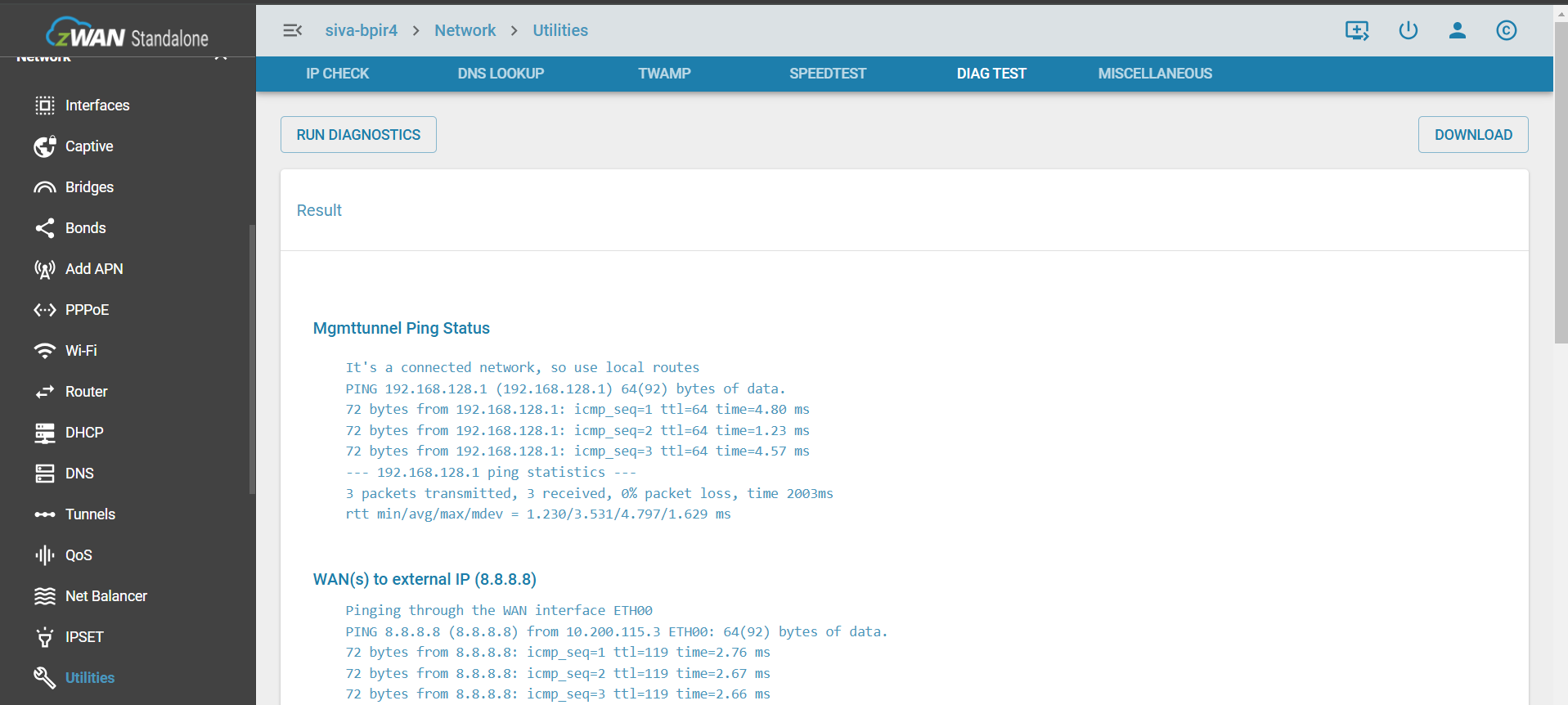
Legacy web UI converted to Local UI pages
Configurations done through Legacy Web UI were migrated to LocalUI.
Managing CPE from Standalone to Director
zWAN Standalone is upward compatible with the full SD-WAN.Upgrade is simple.
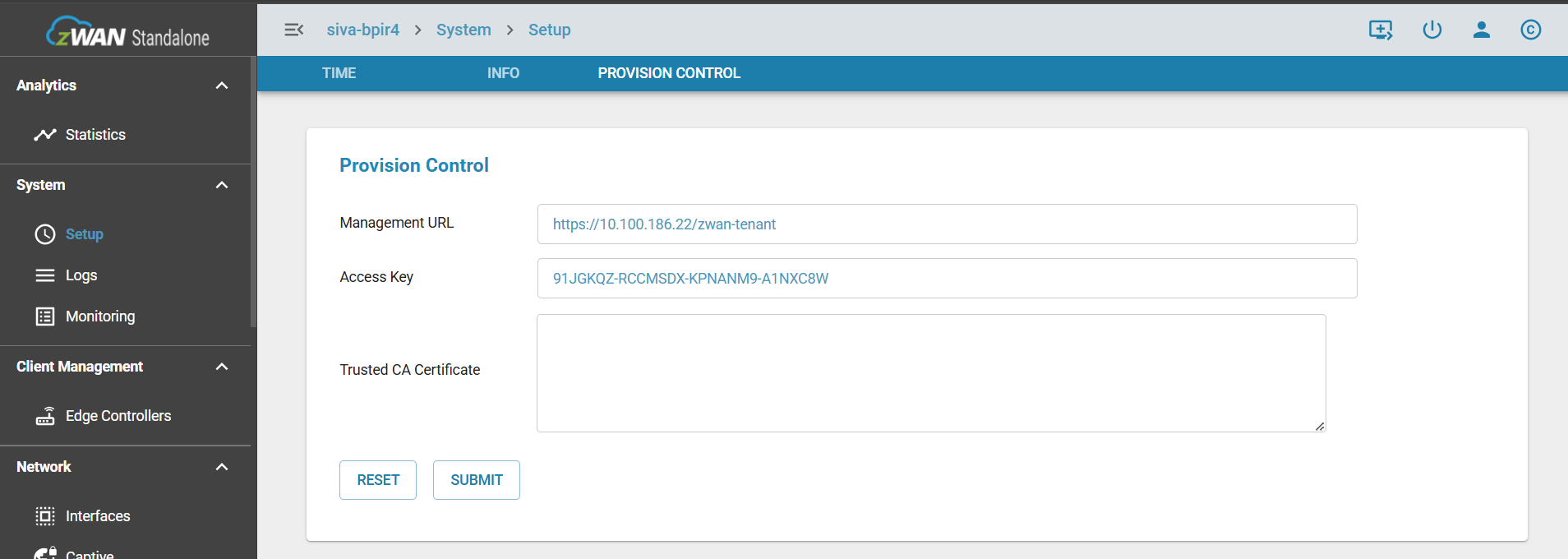
Director MGMT URL, Access Key and Director certifcate needs to be provided in the Local UI and CPE can be onboarded from the director and manage from it.
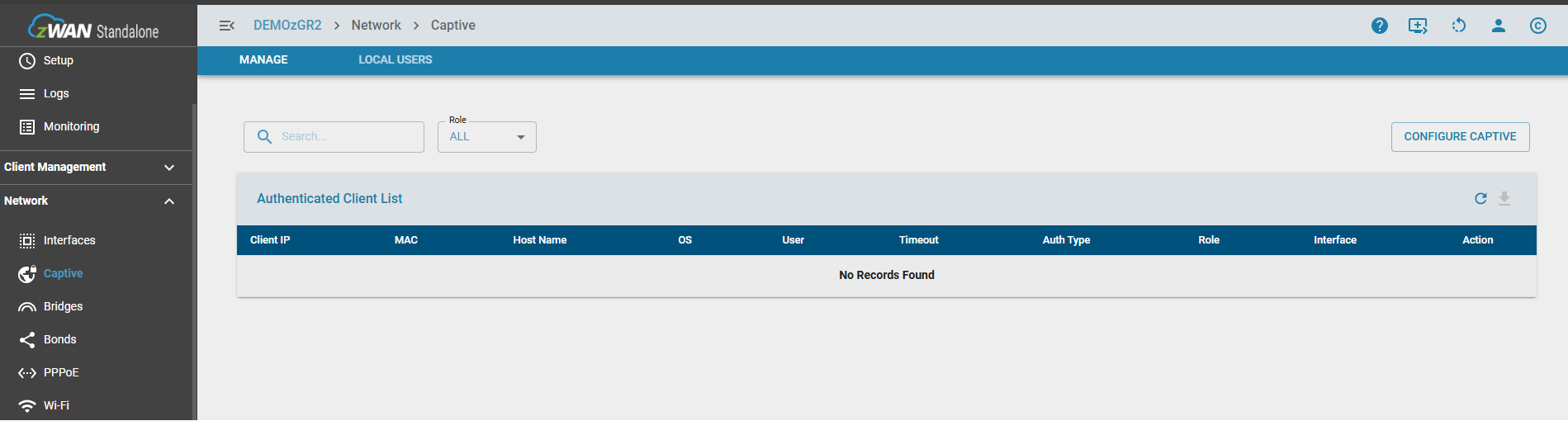
Captive portal
Captive portal is to block users from accessing the internet before they are validated and verified (authenticated) by the system, Users who are directly connected to the switch/port are authenticated via the captive portal before they can access the network.
Add APN

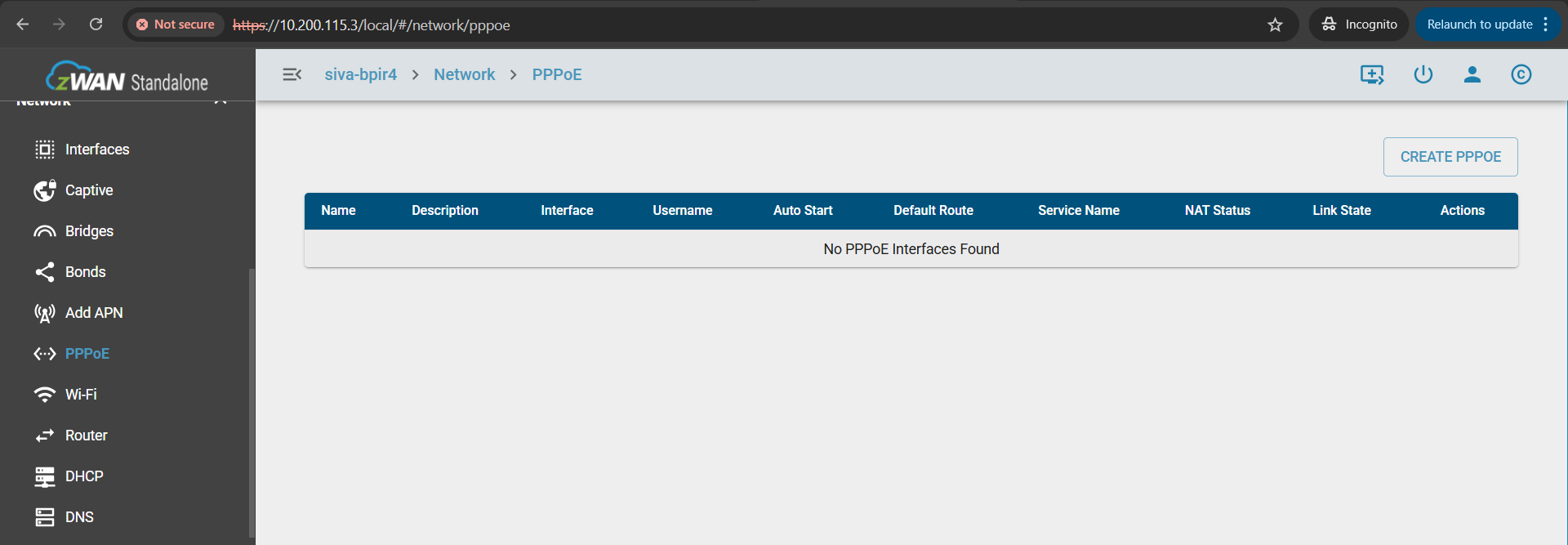
PPPoE
Manging PPOE devices
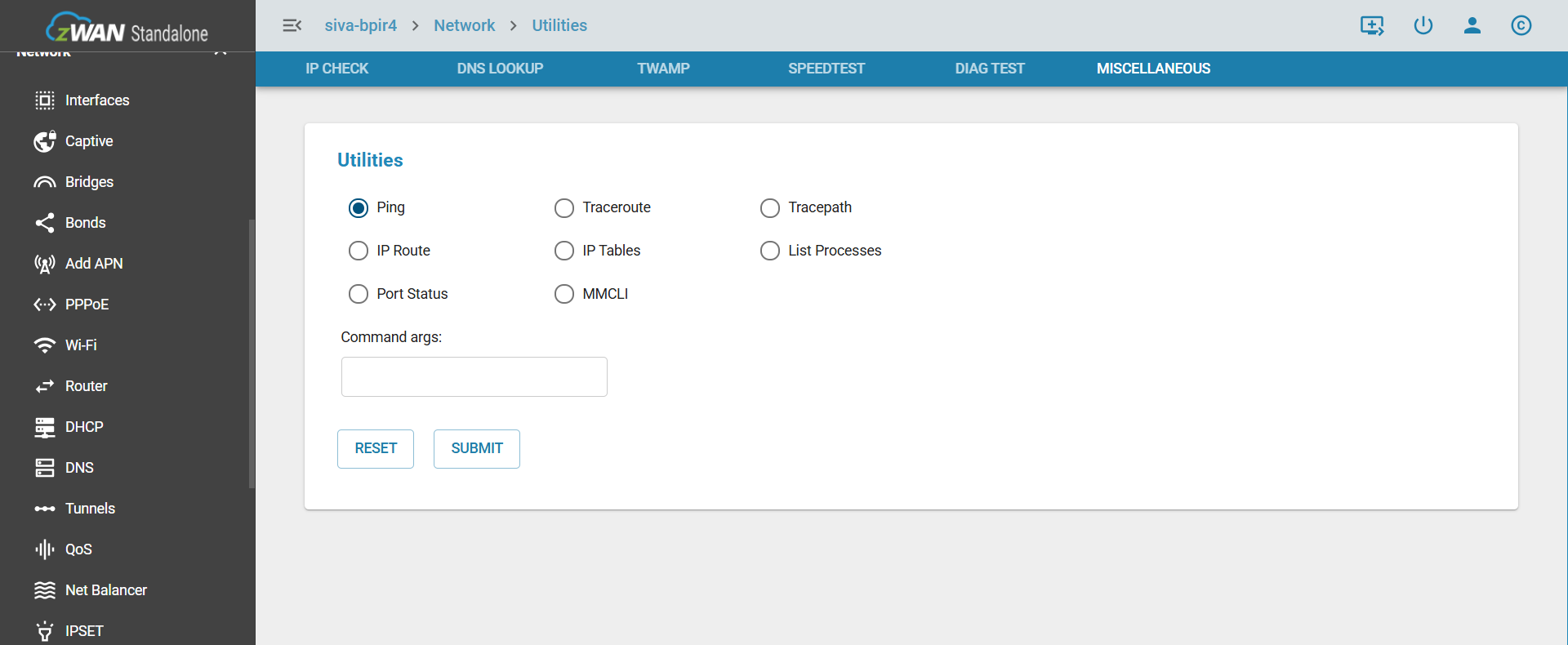
Utilities Miscelleneous
User can view different network utilities command line output.
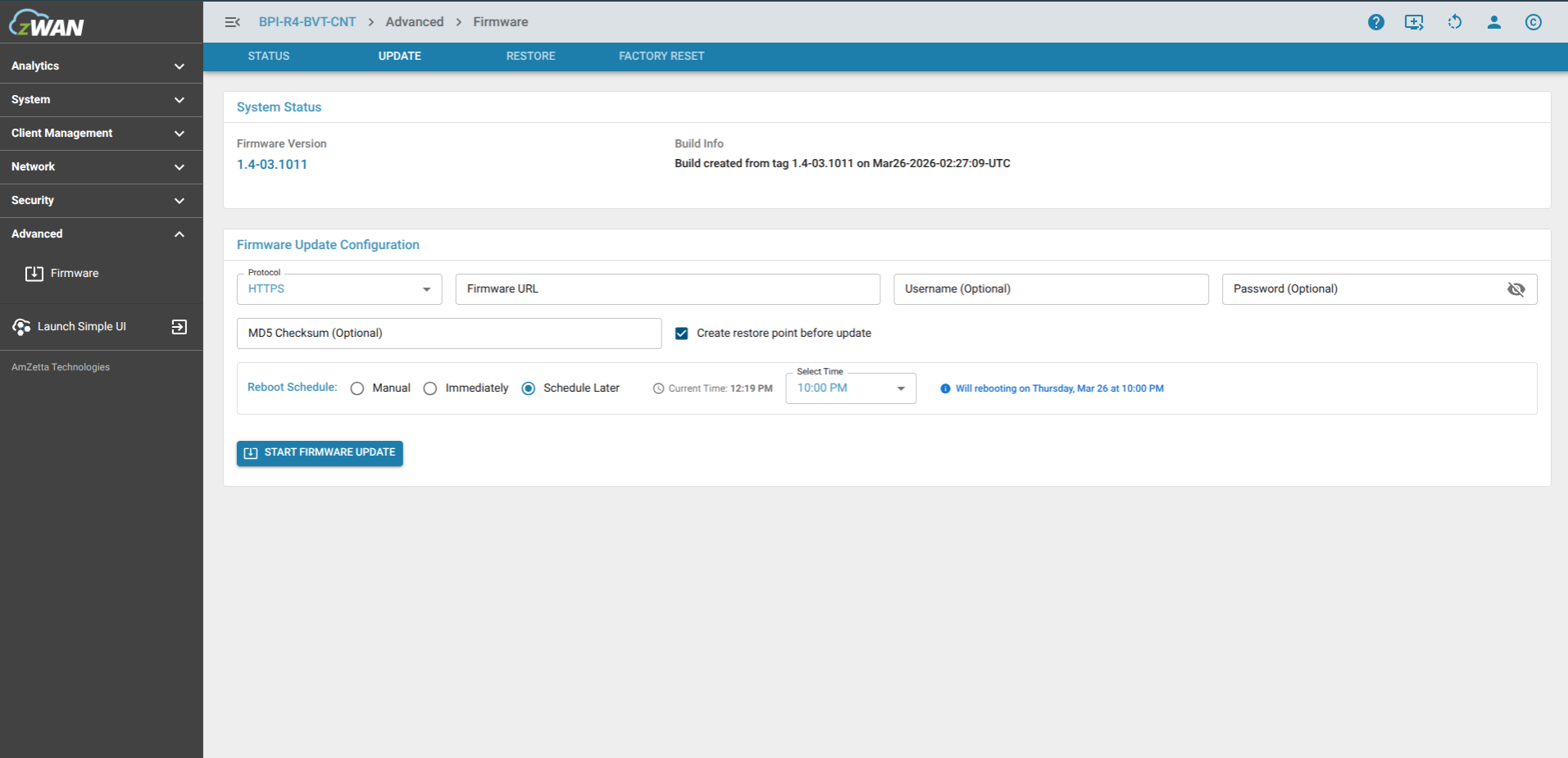
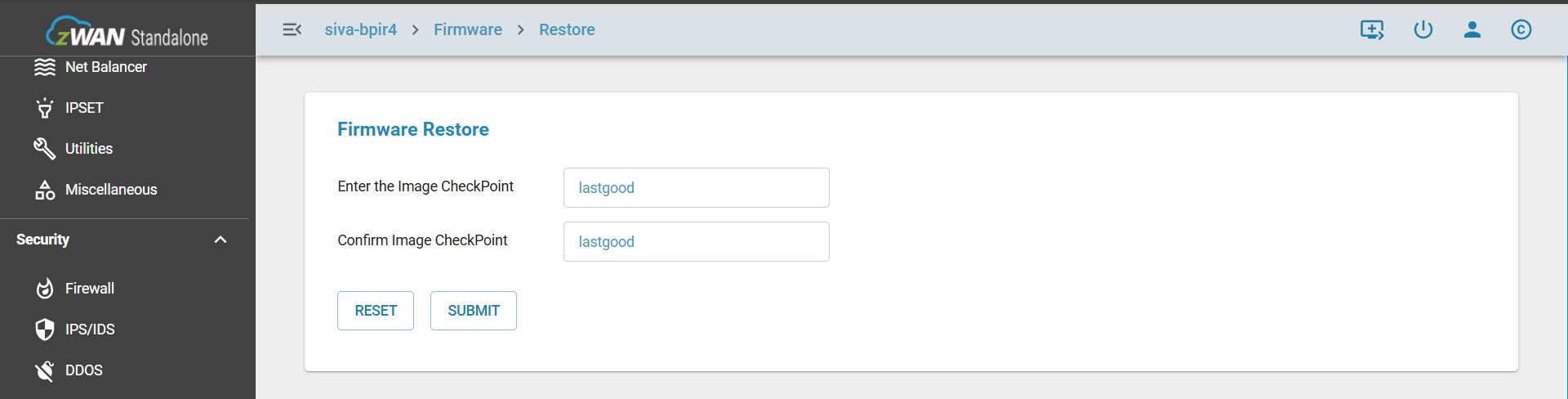
Firmware operations
Status

Update
Restore
Unsupported or Reduced CPE Funtionalities from LocalUI compared to Director
- Analytics (ELK) -> Overview/Dashboard/Statistics
- System -> Logs (ELK) -> syslog/firewall/IPS Alert/ IPS Flow/DNS Alert/ checkpoints
- System -> Monitoring -> Connections